

Visual guide
Match the requirement before the model
Nearby photos, restrained spending
Pixel 10a: no physical telephoto.
Travel framing and longer subjects
Pixel 10 or 10 Pro: compare the documented modules and controls.
A specific advanced video format
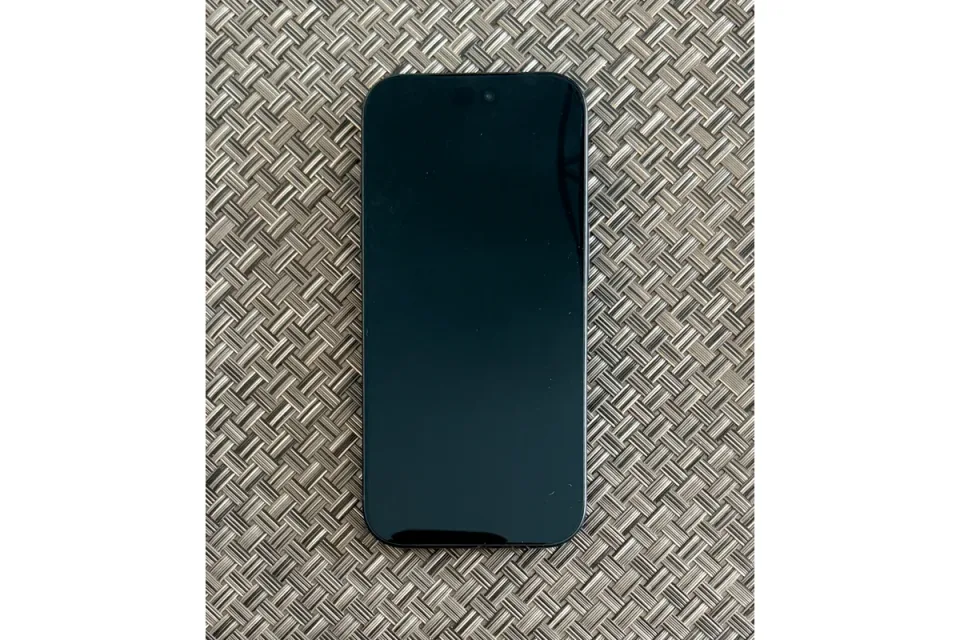
iPhone 18 Pro: verify lens, storage, and external-recording requirements.
A useful phone upgrade should solve a problem you can describe: needing a physical telephoto, running out of local storage, or fitting footage into a specific editing workflow. It should not depend on a promise that every new photograph will look better. This guide compares Google, Samsung, Apple and HONOR while separating documented capability from demonstrated performance. Five models have documented US offerings; HONOR is an international alternative with unresolved US purchase conditions.
Start at Smartphone Photography & Video if you are still deciding what to carry. For recurring blur or weak distant detail, read the camera limits guide before paying for an upgrade.
The shortlist, with the exact shopping target
| Model and configuration | Best fit | Main reason | Main compromise | Budget position | Useful link |
|---|---|---|---|---|---|
| Google Pixel 10a, 128GB, unlocked | Everyday family photos with controlled spending | Main and ultrawide cameras without paying for a telephoto system | No physical telephoto; limited storage headroom | Lower | US specifications |
| Google Pixel 10, 256GB, unlocked | Travel and varied framing | A physical 5x telephoto alongside main and ultrawide modules | Smaller camera sensors than the Pro system | Middle | US specifications |
| Google Pixel 10 Pro, 256GB, unlocked | Telephoto use and more capture control | Larger documented main and telephoto sensors than Pixel 10 | Premium cost; boosted video adds workflow requirements | Upper | US specifications |
| Samsung Galaxy S26 Ultra, 256GB, US unlocked, Black, SM-S948UZKAXAA | Several physical framing options and advanced video | Separate 3x and 5x telephoto modules | Large premium phone; advanced formats need workflow checks | Premium | US product record |
| Apple iPhone 18 Pro, 256GB, US, connect to a carrier later | Creators who need Apple’s advanced recording formats | Log, ProRes, and high-frame-rate main-camera video | Storage and external-recording complexity | Premium | US purchase options |
| HONOR Magic8 Pro, global/UK reference, no US SKU confirmed | International camera comparison | Stabilized 3.7x telephoto with a 200MP sensor | US network acceptance, distribution and warranty unconfirmed | Import costs unresolved | Import limitations |
Manufacturer US pages listed the Google, Samsung and Apple models at verification. HONOR’s international documentation does not establish a US offering. The US listings do not establish inventory for every color, capacity, ZIP code, or seller. Select the stated storage and unlocked configuration explicitly. Compare an outright purchase without a trade-in or service commitment; a monthly payment or carrier credit is not the same number.
Pixel 10a: spend less when most subjects are nearby
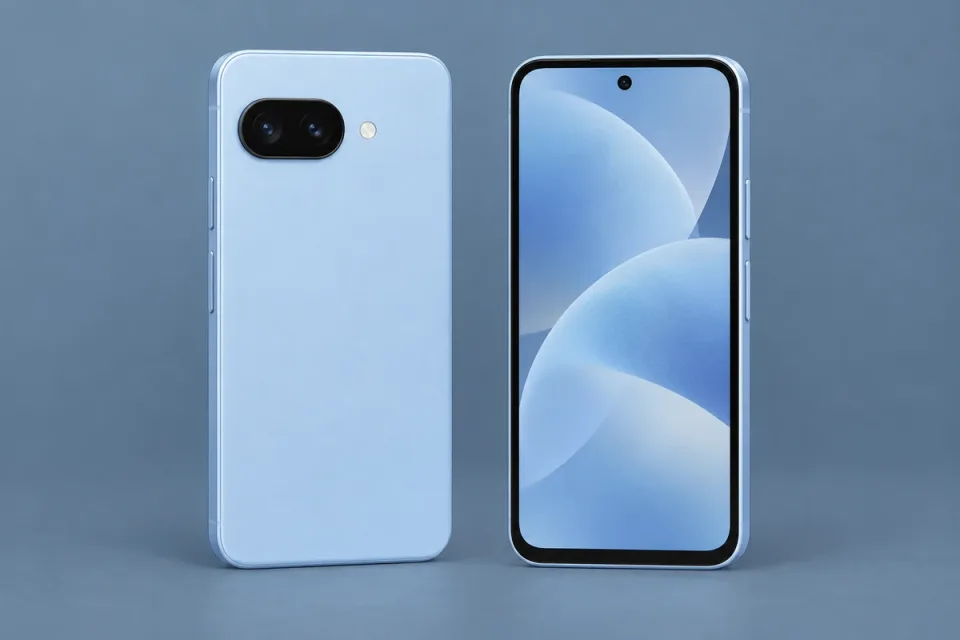
The Pixel 10a is the restrained choice here for everyday pictures and occasional clips. Its physical rear cameras are a 48MP main and 13MP ultrawide, with stabilization on the main camera. Google’s specifications list rear 4K at 30/60 fps and front 4K at 30 fps. The marketed 8x range does not add a telephoto lens. Google’s US specification page documents those limits.
Choose it when nearby people, scenery, and convenient sharing dominate. Do not choose it to solve a recurring distant-wildlife problem. The 128GB target keeps the configuration modest, but leaves less room for long trips with lots of video; a documented 256GB option exists if local storage is the constraint.
The credible step-up alternative is Pixel 10 when a physical telephoto is worth the extra spending. Keeping a functioning phone remains the alternative when neither reach nor storage is actually limiting you. This recommendation does not establish that the 10a renders skin, movement, or night scenes better than competitors; no comparative evidence is asserted.
Pixel 10: a travel choice with a physical telephoto
Pixel 10 adds a 10.8MP, 5x physical telephoto to its 48MP main and 13MP ultrawide cameras. Google documents optical stabilization on the main and telephoto modules and autofocus on the front camera. The rear video specification includes 4K at 24/30/60 fps; front recording includes 4K at 30/60 fps. See the US hardware specification.
That makes the 256GB unlocked model a practical candidate for travelers who want several framing choices in one pocket. The tradeoff is that its main and telephoto sensors are smaller than those documented for Pixel 10 Pro. Sensor specifications alone do not quantify the resulting difference in a finished photograph.
Skip it if you rarely use longer framing and your current phone already meets your needs. Pixel 10a is the lower-positioned alternative for that situation. Pixel 10 Pro is the alternative when its additional controls and camera hardware justify the premium. Neither choice eliminates the need to inspect real detail at long zoom settings.
Pixel 10 Pro: more camera hardware, with a video caveat
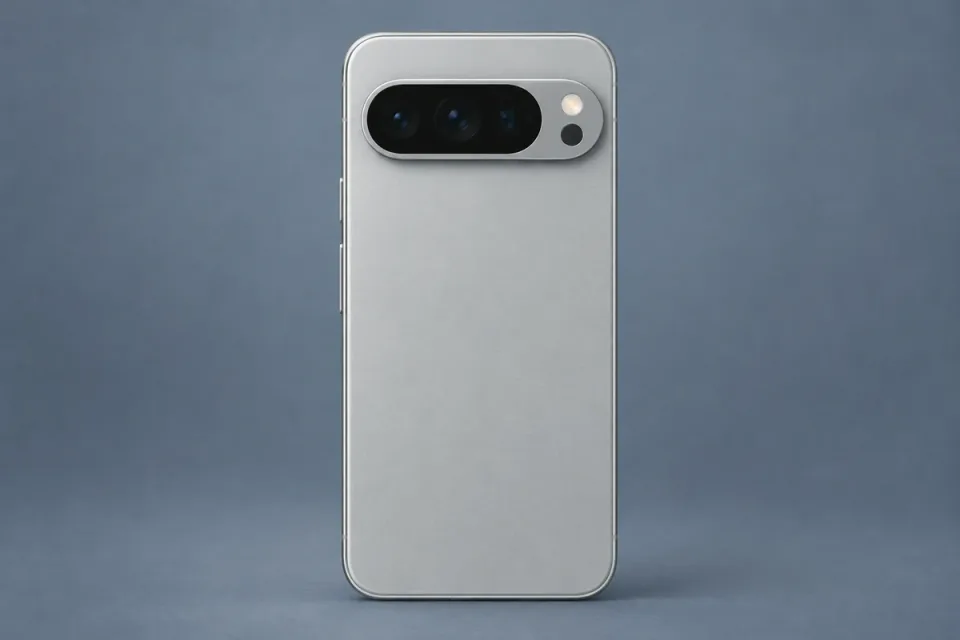
Google lists a 50MP main, autofocus 48MP ultrawide, and stabilized 48MP 5x telephoto, plus a front camera with autofocus. Those physical modules are the reason to consider it for a wider range of still-photo tasks. The advertised 100x setting is not a 100x physical lens. The US specification sheet separates the camera hardware from processed zoom.
The 256GB unlocked configuration is the starting point here for frequent photography. Google lists rear 4K at 24/30/60 fps and 8K through Video Boost. Treat that 8K feature as a separate processing workflow, not a guarantee of an immediately available ordinary 8K file. Google’s Video Boost instructions explain backup and processing requirements.
Choose Pixel 10 instead if the physical telephoto is enough and the Pro additions would go unused. Choose neither specifically for an offline 8K deadline without validating the whole process. This is a hardware-and-workflow recommendation; it does not rank autofocus success, noise, or color against the iPhone.
Samsung Galaxy S26 Ultra: two telephoto viewpoints
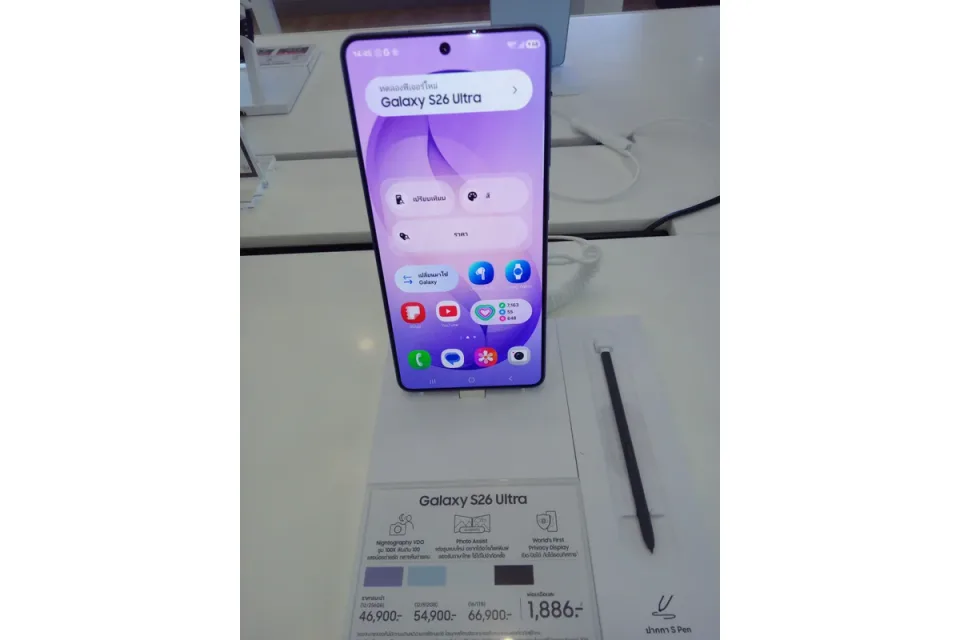
The Galaxy S26 Ultra adds a useful choice to this comparison: separate 3x and 5x physical telephoto cameras. Samsung documents a 200MP main, 50MP ultrawide, 10MP 3x telephoto and 50MP 5x telephoto. Its 2x and 10x “optical-quality” settings are distinct from those physical modules; 100x Space Zoom is not a 100x lens. See the manufacturer camera table.
Choose it when you want a shorter telephoto for people or details as well as a longer option for distant framing. Compared with the Pixel 10 Pro’s single 5x telephoto, the additional 3x module gives another physical viewpoint. It does not establish better skin tones, moving-subject results or night detail. The large body and premium positioning are reasons to handle one before committing.
Samsung’s US comparison lists video up to 4K120 and 8K30. Its APV explanation describes an advanced recording format. Treat these as mode-specific capabilities: confirm the lens, stabilization, storage destination and editor before planning a shoot. We have not measured sustained recording or heat behavior.
The shopping target is the 256GB unlocked US Black model, SM-S948UZKAXAA. That manufacturer listing verifies the configuration, not third-party stock or an exact Amazon listing. If your clips are ordinary 4K and one longer viewpoint is enough, Pixel 10 remains a simpler candidate. Read the Samsung product record for purchase checks.
iPhone 18 Pro: choose it for a recording requirement
The iPhone 18 Pro is the candidate for creators who specifically need its documented video formats. Apple lists 4K Dolby Vision up to 120 fps on the Fusion Main camera, ProRes up to 4K120 with external recording, and Apple Log 2. The high frame rates are not promised for every lens. Its USB-C connection supports USB 3 up to 10Gb/s with an appropriate connection. Apple’s specifications give the mode restrictions.
The physical rear viewpoints include ultrawide, main, and 4x telephoto; additional “optical-quality” settings should not be counted as additional lens modules. The US model uses eSIM. Select the 256GB Pro, rather than Pro Max, and the connect-later purchase option if you want the unlocked shopping target in this guide. Verify the final order summary on Apple’s US store.
Skip the premium if you mainly make short clips for family sharing. A phone you already know is a credible alternative, and Pixel 10 is an alternative if ordinary 4K meets your workflow and changing platforms is acceptable. Newly documented features do not establish better finished footage or reliable sustained recording in heat.
HONOR Magic8 Pro: a serious camera alternative, with an import caveat
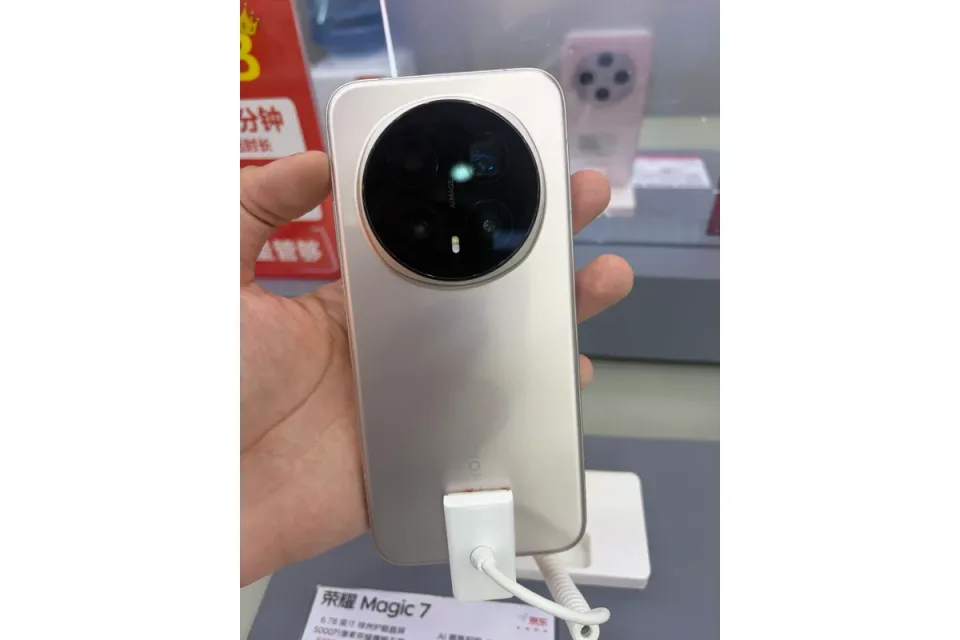
HONOR belongs in the camera discussion. Its international launch documentation describes a stabilized 200MP 3.7x telephoto, a stabilized 50MP main and a 50MP ultrawide. That makes it relevant to someone comparing telephoto hardware and framing options. A 200MP specification alone does not prove that it beats Samsung or Google in low light or captures moving subjects more reliably.
The UK specification lists rear 4K recording up to 120 fps. This regional headline does not establish that every lens, stabilization setting or HDR option works at that rate. Verify the intended combination and playback in your editor. We have not performed a comparative video test.
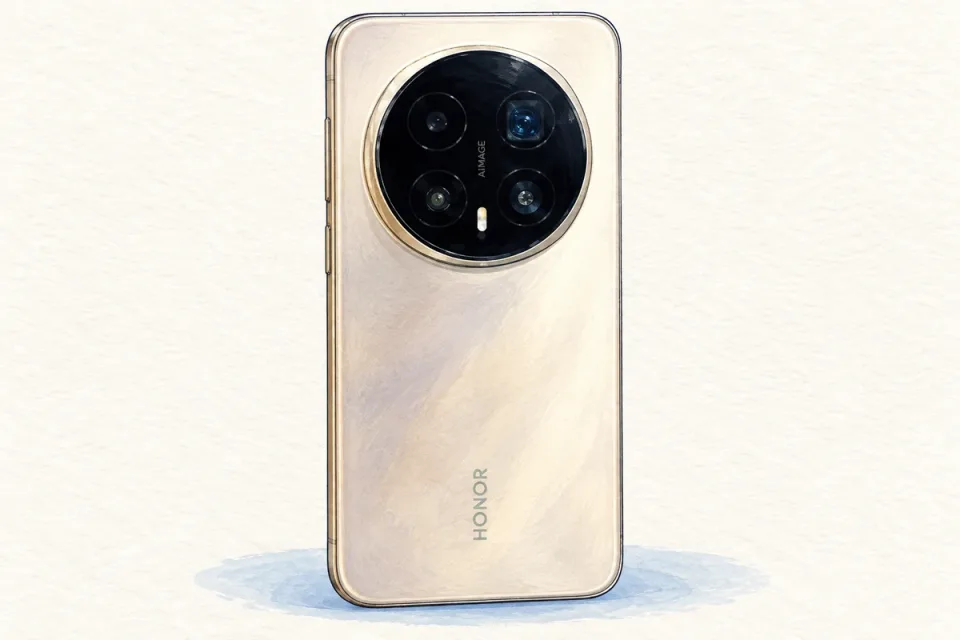
AI-generated product illustration, adapted from a photograph by 茅野ふたば, CC BY-SA 4.0. Stylized, background removed and resized; approximate exterior, not an official product photo.
For a US buyer, this is an import comparison, not a routine purchase recommendation. We have not confirmed an official US SKU, US carrier acceptance or US manufacturer warranty. HONOR provides a regional warranty lookup; do not assume that coverage from another country applies in the United States.
Before importing, obtain the exact regional model and IMEI, ask your carrier to confirm activation and voice/data support, and obtain written warranty and return terms. “Unlocked” and overlapping radio bands alone are not confirmation. Check the software region and required services as well; do not silently substitute a China-market unit for a global one. Import charges and return shipping can change the overall commitment.
For someone who already owns a compatible Magic8 Pro, its camera capabilities merit consideration before replacing it. For a buyer seeking a documented US route, Galaxy S26 Ultra or Pixel 10 Pro is the more straightforward shortlist. Our HONOR product record preserves these limitations. Its affiliate link opens an Amazon.com search for an imported global version; it does not confirm a matching listing, US compatibility or warranty.
Compare the capture options, not just megapixels
| Phone | Physical telephoto | Video capability to check | Buying implication for US readers |
|---|---|---|---|
| Pixel 10a | None | Rear 4K30/60 | Choose for nearby subjects, not distant reach |
| Pixel 10 | 5x | Rear 4K24/30/60 | Documented US travel option |
| Pixel 10 Pro | 5x, with different hardware from Pixel 10 | 8K requires Video Boost | Account for upload and processing |
| Galaxy S26 Ultra | Separate 3x and 5x | Up to 4K120 and 8K30; APV workflow | Verify US SKU and recording setup |
| iPhone 18 Pro | 4x | Main-camera 4K120; external ProRes requirements | Match Apple’s formats to your editor |
| HONOR Magic8 Pro | 3.7x | UK specification lists rear 4K120 | Regional import; US support unconfirmed |
These are specification checkpoints, not lens-by-lens guarantees or scores. The manufacturer links in each section support the entries. A telephoto number describes framing relative to the main camera; it does not measure resolved detail, autofocus reliability or footage consistency between cameras.
Check the mode you will actually record
Resolution is only one part of the capture path. Stabilization may crop the image; a slow-motion setting may use a different camera; an HDR file may look different in an editor that handles it poorly. Test your intended lens, resolution, frame rate, stabilization setting, and output platform together. A successful default-mode clip does not validate every advanced setting.
Google’s pages list Active stabilization at 1080p for these Pixels, so do not read the ordinary 4K headline as a promise that this stronger stabilization mode is also 4K. The aggregate specifications are not a complete lens-switching matrix. If uninterrupted switching matters, verify that exact operation in the current camera app before choosing a phone for the job.
For Apple, treat external ProRes recording as a system requirement. A drive, cable, mounting method, and power plan can change how the phone handles and what else can use its port. This guide does not prescribe an unverified external drive. If ordinary compressed video is enough, starting there avoids a workflow you may not need.
Storage and transfer deserve part of the budget
Record a typical clip, check its file size, and estimate your own shooting day. Multiply by the number of days between reliable transfers, then leave working space for applications and unexpected footage. This is more informative than assuming a storage capacity guarantees a fixed number of recording hours across formats.
USB-C describes a connector, not the complete speed of a transfer. The phone, cable, destination, and software all matter. Google documents USB-C 3.2 on these models, while its included cable specification is USB 2.0. Do not assume the cable in the box realizes the port’s maximum capability. Wireless transfer may be convenient, but check it where your trip will actually happen.
Keep a second copy of important originals before clearing the phone. Open several transferred files and play their audio. A cloud thumbnail is not proof that the full original is safely available offline. For long travel days, think about charging access and the time needed to complete a backup, not merely storage capacity.
Decide whether the upgrade survives your own checklist
- Name the missing capability and the photographs or clips it would change.
- Confirm the exact US model, storage capacity, unlocked status, and warranty.
- Verify the required lens and recording mode, including application or processing dependencies.
- Check that your editor and sharing destination handle the intended files.
- Include compatible storage or audio only when your workflow requires it.
- Compare the total commitment with keeping your current phone and improving one practice.
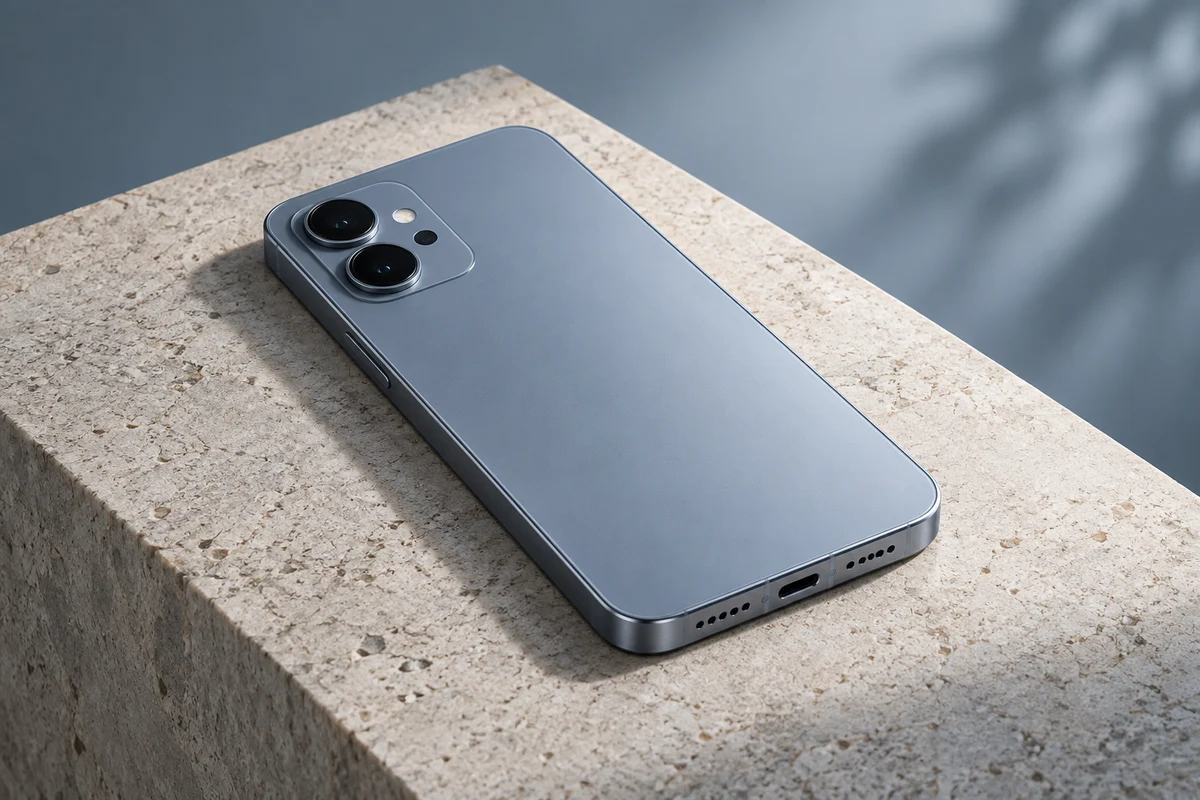
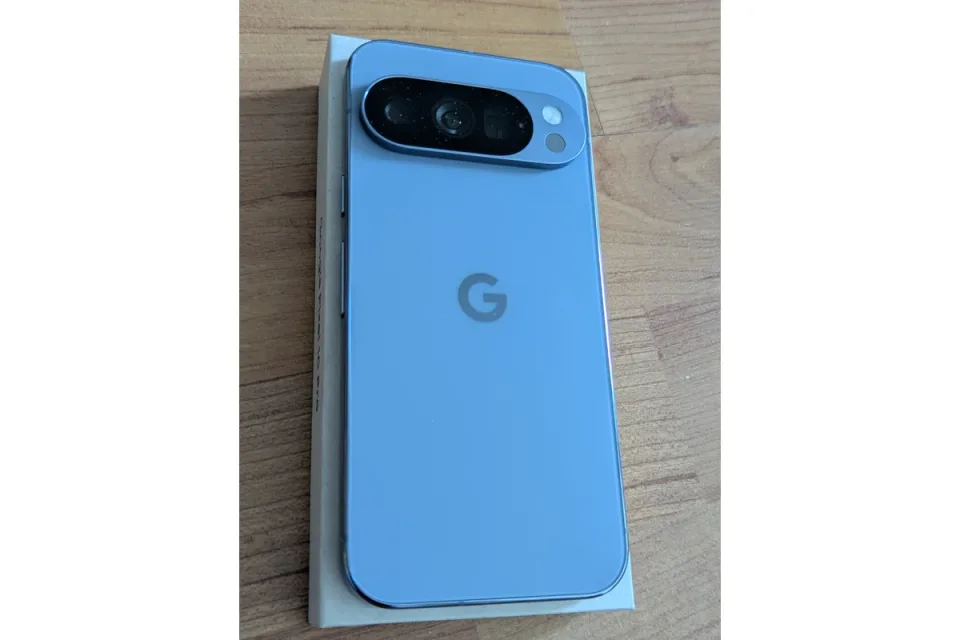
The phone visuals use AI-generated product illustrations based on credited reference photographs or artwork. Each visual carries its applicable Creative Commons license. These stylized illustrations are not official product photos or test evidence. The illustrations show the model exterior, not proof of storage capacity, US connectivity, or seller inventory. Commercial destinations, when enabled by the site’s existing controls, are Amazon searches with no exact ASIN claim. A useful recommendation does not depend on finding an affiliate listing.
Compare the exact configurations
| Product | Configuration | Before you choose |
|---|---|---|
| Google Pixel 10a | 128GB unlocked US model | Confirm 128GB, unlocked US model, color and warranty. |
| Google Pixel 10 | 256GB unlocked US model | Confirm 256GB unlocked US model and recording modes in the actual app. |
| Google Pixel 10 Pro | 256GB unlocked US model, not Pro XL | Confirm Pro, not Pro XL, 256GB unlocked US configuration. |
| Apple iPhone 18 Pro | 256GB US model, connect to a carrier later, not Pro Max | Confirm 256GB Pro, unlocked status, eSIM and external-recording requirements. |
| Samsung Galaxy S26 Ultra | 256GB unlocked US model, Black, SM-S948UZKAXAA | Confirm SM-S948UZKAXAA, 256GB, unlocked US configuration, seller warranty and the exact lens and recording mode you need. |
| HONOR Magic8 Pro | Global/UK reference only; no US SKU or carrier compatibility confirmed | Before considering an import, obtain the exact regional model and IMEI, carrier approval for voice and data, and written warranty and return terms. Do not substitute a China-market unit for the documented global version. |
Transparent evidence
Method and limitations
Manufacturer specifications and US purchase references checked September 19, 2026. HONOR is assessed from global and UK documentation as an international comparison, not a verified US purchase. Recommendations reflect capabilities and workflow fit. No controlled comparative image, battery or thermal testing was performed. Budget labels are relative positions, not retailer prices.
- HONOR Magic8 Pro has no confirmed US SKU, carrier acceptance or US warranty in this review; its affiliate link opens Amazon.com search results for an imported model, not a confirmed US listing.
- The newly available iPhone 18 Pro is included for documented recording capabilities, not proven superiority over earlier phones.
- Google lists aggregate video modes rather than a complete lens-by-lens mode matrix; do not assume every mode permits every lens or live switching.
Five key takeaways
- Buy the camera functions and workflow you will use, not the largest zoom or megapixel number.
Primary sources
- samsung.com · Verified 2026-09-19
- samsungmobilepress.com · Verified 2026-09-19
- samsung.com · Verified 2026-09-19
- news.samsung.com · Verified 2026-09-19
- honor.com · Verified 2026-09-19
- honor.com · Verified 2026-09-19
- honor.com · Verified 2026-09-19
- store.google.com · Verified 2026-09-19
- store.google.com · Verified 2026-09-19
- store.google.com · Verified 2026-09-19
- apple.com · Verified 2026-09-19
- apple.com · Verified 2026-09-19
- support.google.com · Verified 2026-09-19