

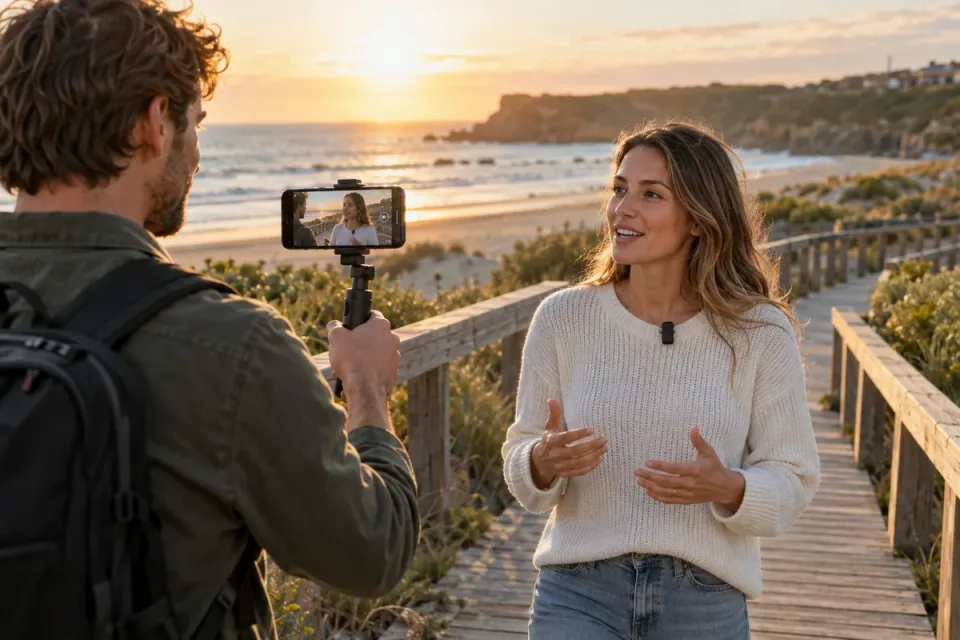
Decide what the audience needs to hear
A road-trip montage may need the sound of footsteps and a river. A walking explanation needs an intelligible voice. An interview needs both speakers. These jobs can require different microphone placement even when the same camera records all three.
This Lab helps travel creators choose among a built-in microphone, a camera-mounted directional microphone and a wearable microphone. It evaluates the geometry and workflow, not which brand has the best tone. Begin with a short recording from your existing setup and listen to the saved file, rather than assuming an accessory is necessary.
The scene-based decision tree
| Your scene | Start here | Why this placement fits | Check before buying |
|---|---|---|---|
| Landscape, footsteps or atmosphere with no important dialogue | Built-in microphone | It travels with the camera and captures the scene | Wind and handling noise in the saved file |
| Quiet conversation near the camera | Existing mic, then a nearby directional mic if needed | The pickup can remain near the speaker | Input, cable, power and actual intelligibility |
| One presenter walking away from the camera | Wearable mic near the presenter | Pickup distance stays more consistent as framing changes | Wind protection, clothing contact and receiver routing |
| Two people in conversation | A suitable two-transmitter system or separate close pickups | Each voice can have a nearby microphone | Whether the app records separate channels or a mixed track |
| Busy street with important speech | Move to a quieter location and place the mic close | Better placement addresses the scene itself | A usable recording during the loudest expected sound |
Keep your current microphone if the saved recording already communicates what matters. Changing position or location may improve speech more than adding a camera-mounted accessory while keeping the camera far away. The suggestions above are starting choices, not distance guarantees.
What distance changes in the ideal model
For an unchanged point-like source in a free field, compare direct sound level with -20 × log₁₀(distance ÷ reference distance). Our reference is 0.25 m, approximately 10 inches. Each doubling gives about 6 dB less direct sound.
| Microphone distance | Approximate US distance | Relative direct level versus 0.25 m | Interpretation |
|---|---|---|---|
| 0.25 m | 10 in | 0 dB | Reference only |
| 0.5 m | 20 in | -6.0 dB | One doubling |
| 1 m | 3.3 ft | -12.0 dB | Two doublings |
| 2 m | 6.6 ft | -18.1 dB | Three doublings |
These values are not a predicted signal-to-noise ratio. Background sound may come from different directions and distances; room reflections change the field. Turning up recording gain does not restore the original relationship between wanted sound and unwanted sound.
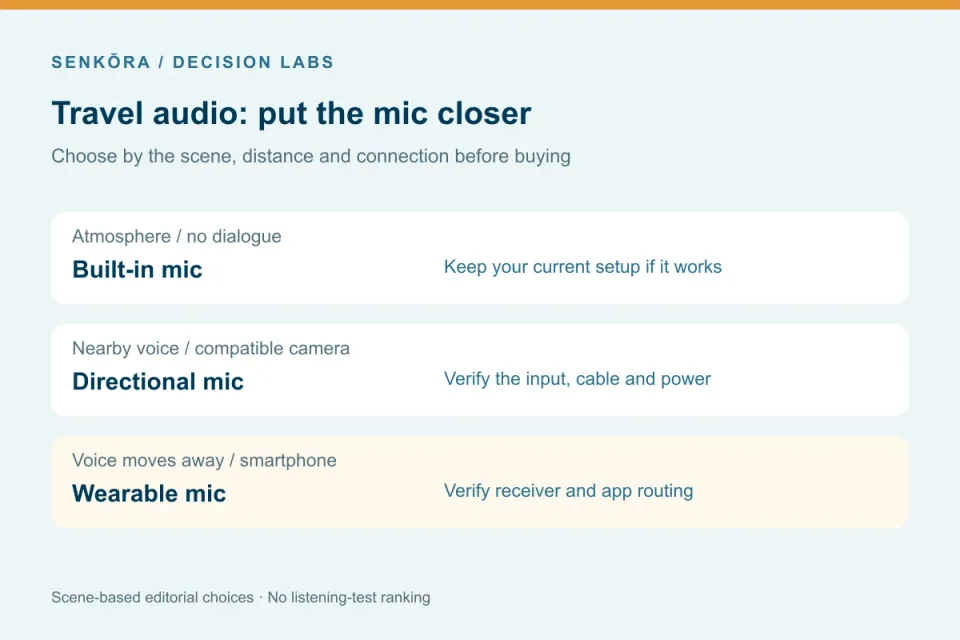
Shure’s microphone-technique publication explains the underlying distance behavior. Its live-sound context does not establish real-world performance for the travel products below.
Two useful options with different connections
The RØDE Wireless Micro USB-C is the existing Senkōra reference for a smartphone kit with two transmitters, a USB-C receiver and charging case. It fits a presenter who needs the microphone to remain close while the phone’s position changes. Verify the exact receiver version, case clearance and audio capture in the intended app. Do not assume that a camera with a USB-C port supports it. App-specific direct connection features are not required for the receiver-based workflow described here.
The RØDE VideoMicro II is an on-camera option for nearby dialogue and scene sound. Its support documentation identifies a TRS connection and a need for plug-in power from the host. A headphone socket is not a microphone input. A phone adapter must support the required microphone path and power; plug shape alone is insufficient.
Choose the wireless smartphone kit when nearby pickup must follow the person. Consider the directional camera mic when the camera remains near the voice and the input is compatible. Neither is an automatic upgrade for a distant group in a noisy location. A boom or other close-microphone arrangement may fit a more deliberate production, but this Lab does not add equipment merely to increase the selection.
Make a thirty-second check part of the setup
Record a normal voice, a louder phrase, a turn of the head and the movement expected in the scene. Include the wind or traffic you actually face. Listen to the saved clip with headphones if available. Check both people in a two-transmitter setup and confirm whether they occupy separate channels or a combined track.
Use the appropriate wind protection and keep the microphone from rubbing clothing. Confirm charge, receiver connection, cable seating and recording levels. Leave headroom for louder moments according to your device’s controls; this Lab gives no universal gain number. Monitoring during recording is useful where supported, but a saved-file check establishes that the intended source was actually captured.
When to buy and when to keep shooting
Buy only after identifying a repeatable gap: distant voice, incompatible existing input, or a pickup that cannot follow your subject. Verify the whole connection chain before ordering. Keep your existing setup for atmosphere, quiet nearby speech and scenes where moving closer solves the problem.
The downloadable model contains distances and relative levels so you can reproduce the arithmetic. It is deliberately separate from the product recommendations. Product documentation was checked on October 4, 2026; no range, tone, noise-reduction or wind-resistance result is presented as a Senkōra measurement.
Recommended gear
Find your next piece of gear
Find the setup that fits your plans, then explore prices and buying options on Amazon.
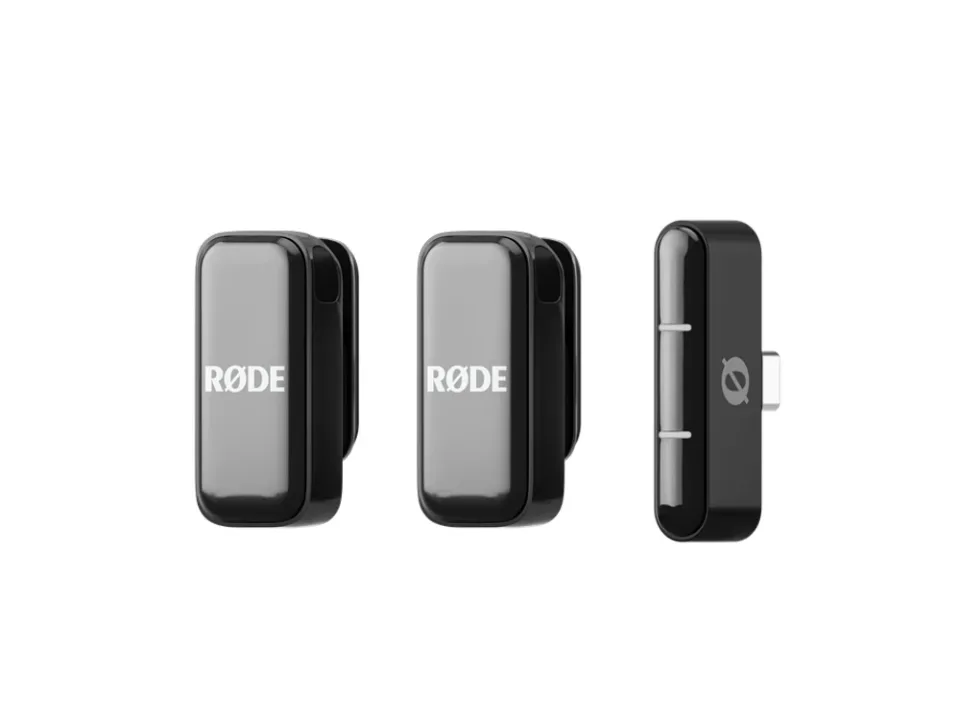
Photo: RØDE. Resized for display.
RØDE
RØDE Wireless Micro USB-C
Best for: Smartphone dialogue with a nearby wearable pickup
A compact smartphone audio kit that places microphones near the speakers. Choose the USB-C smartphone receiver and verify the recording app actually uses it. USB-C alone does not establish capture-app routing; no pass-through charging claim.
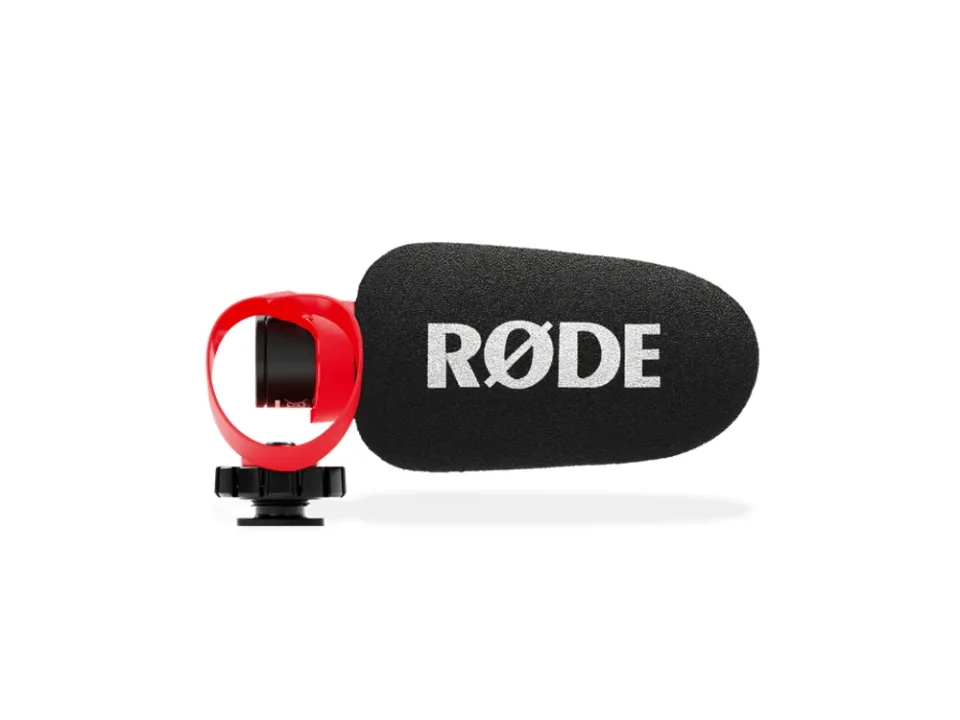
Photo: RØDE. Resized for display.
RØDE
RØDE VideoMicro II
Best for: Nearby dialogue with a compatible powered microphone input
A compact directional microphone for nearby travel dialogue and camera-mounted ambient recording. Moving the camera farther away also moves this microphone farther away; directionality does not isolate distant dialogue.
Transparent evidence
Method and limitations
We combine an editorial scene-and-connection decision tree with a free-field model: relative direct-sound level = -20 × log10(distance/reference distance). The reference is 0.25 m. This is a relative-level model for an unchanged ideal source, not measured loudness, noise reduction or microphone quality.
- No product recordings, range measurements, noise tests or listening comparisons were performed.
- Real rooms, wind, clothing, off-axis response and background sources are outside the distance model.
- Product compatibility depends on the exact receiver, cable, host, settings and application.
Five key takeaways
- A directional microphone does not make distance irrelevant.
- In an ideal free field, doubling distance reduces direct sound level by about 6 dB.
- A wearable microphone can stay close while camera framing changes.
- Wind protection, clothing noise and actual audio routing need a recorded check.
- Keep the built-in mic if your intended scene already sounds intelligible.
Frequently asked questions
Will a shotgun microphone capture clear dialogue across a street?
Directionality is not a substitute for nearby placement. Traffic, distance and reflections can dominate. Move the microphone closer or reconsider the scene.
Can I connect a USB-C phone microphone to any camera?
No. USB-C is a connector, not proof of supported microphone operation. Verify the exact receiver, camera audio input and supported routing.
Do I need wireless microphones for every travel video?
No. Ambient sequences and quiet nearby speech may work with your existing setup. Wireless adds batteries, routing and potential interference to manage.
Primary sources
- shure.com · Verified 2026-10-04
- rode.com · Verified 2026-10-04
- help.rode.com · Verified 2026-10-04
- rode.com · Verified 2026-10-04
- help.rode.com · Verified 2026-10-04